
This section is designed for quick updates for transporters/outsource. They are able to set the timing and upload Proof of deliveries.
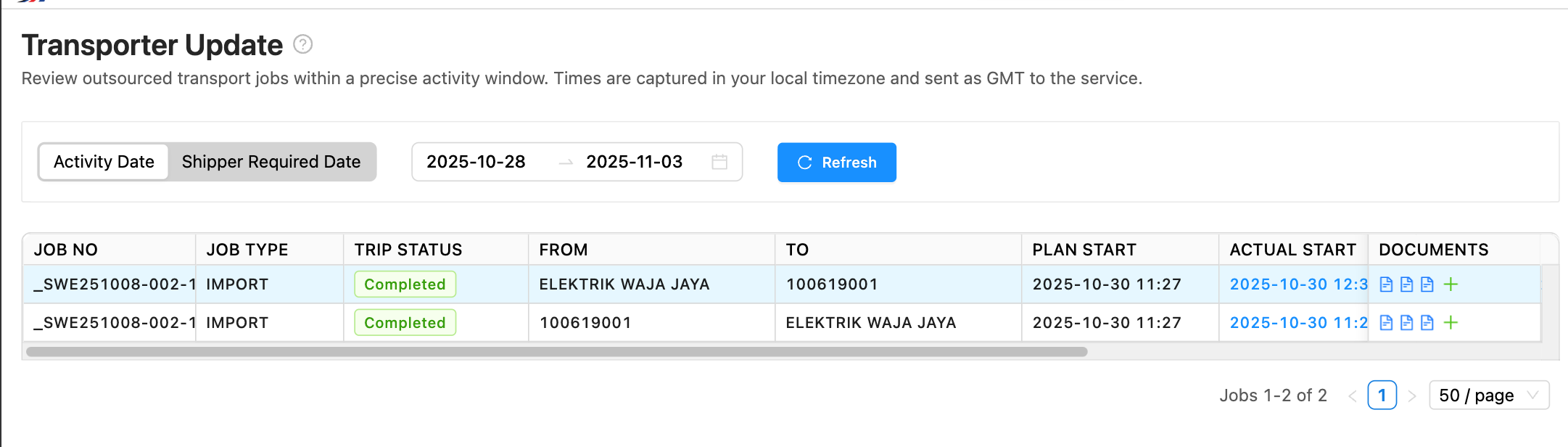
To set this up the following must happen.
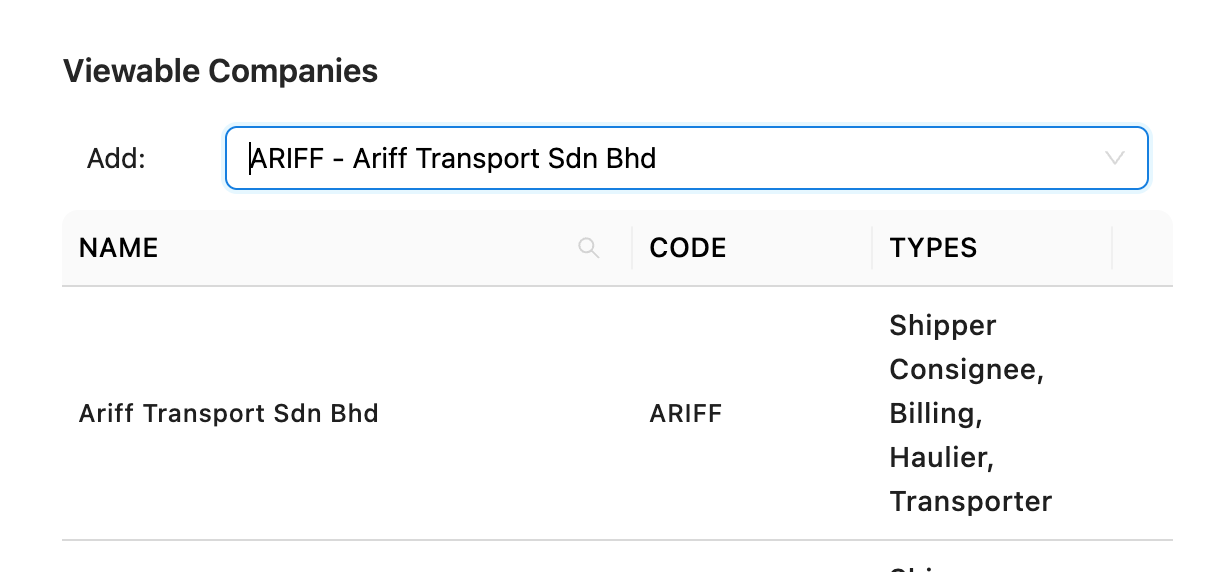
- Setup the Portal Company and assign the Outsource vendor as a Viewable Company.
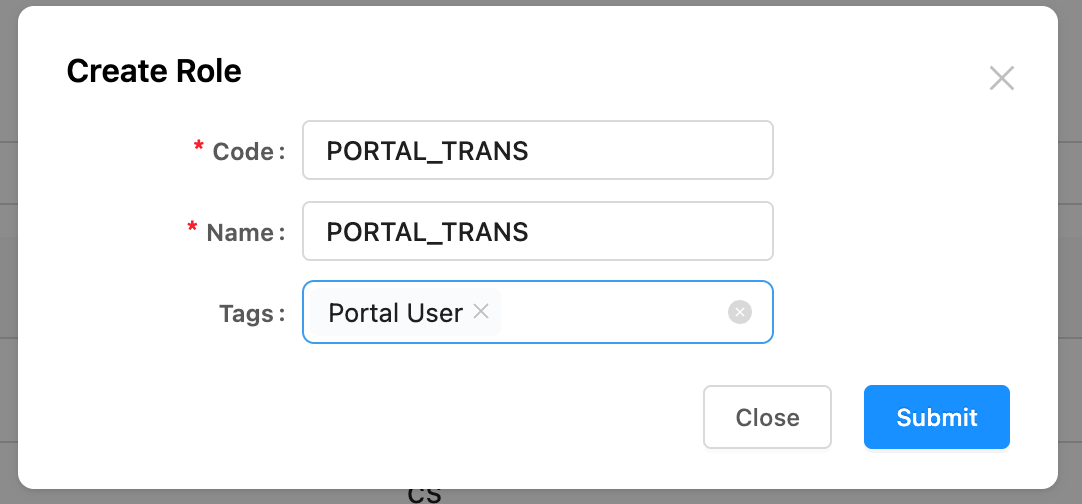
- Setup a Role (potentially PORTAL_TRANS) and assign a tag Portal User so it shows up in the PortalCompany Roles.
- Give the PORTAL_TRANS Role the following permission:
- System: Transport; Permission: TRANSPORT:LEG:updateTiming
- System: ShipX; Permission DOCUMENT:uploadDocument
- Assign users to PORTAL_TRANS role.
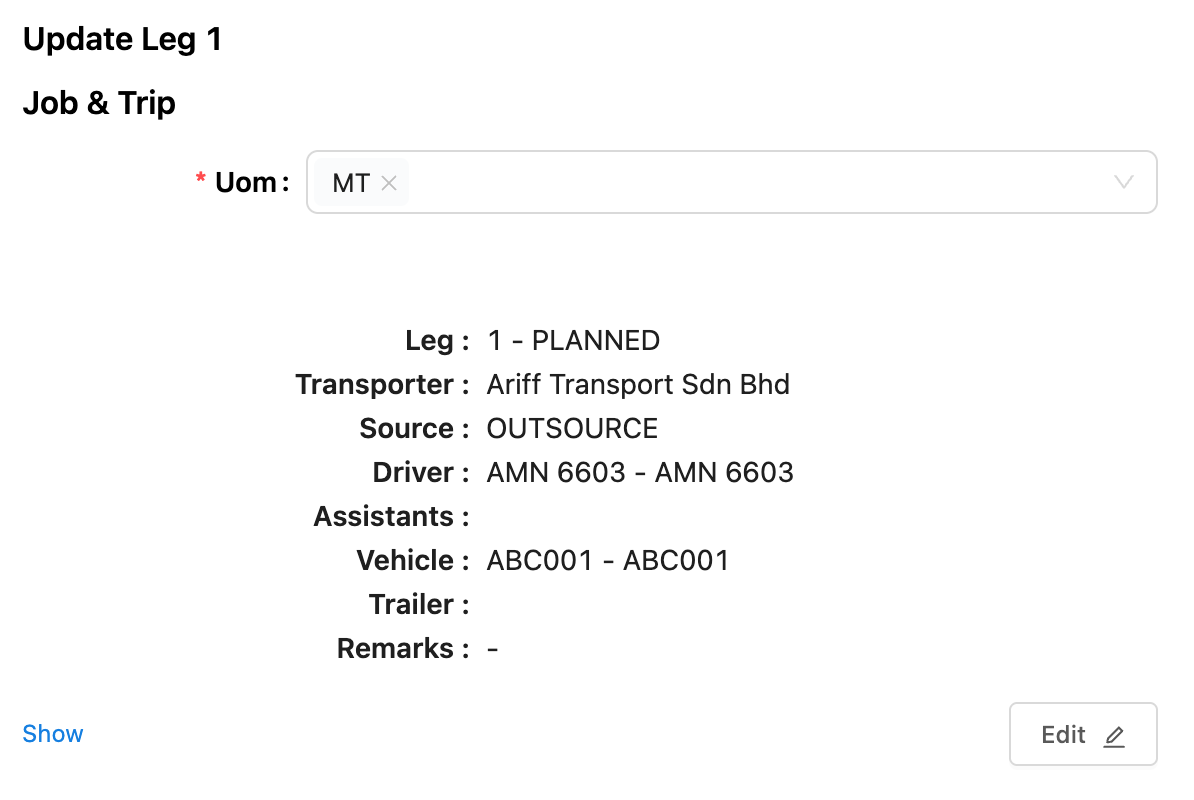
- All jobs must be assigned to the specific outsource as shown here in order for the transporter to search/update and view the legs.
- sdfsd
Options
Date type - users are allowed to select the date type as
- Activity Date which queries all legs in date range of the last ActivityDate.
- Shipper Required Date - which queries all legs within the shipper required date.