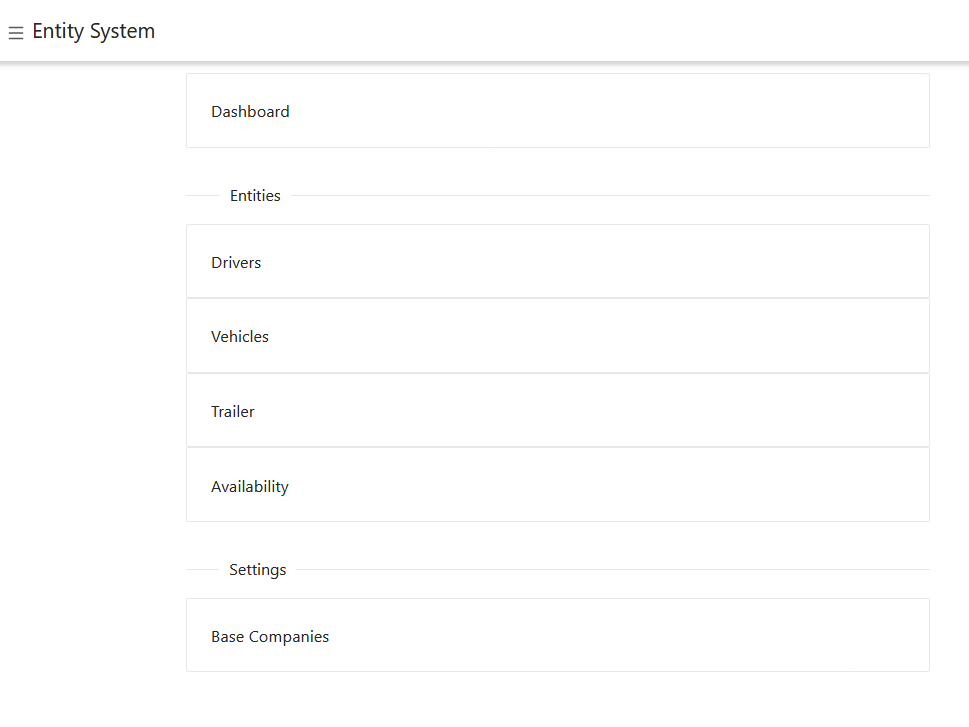
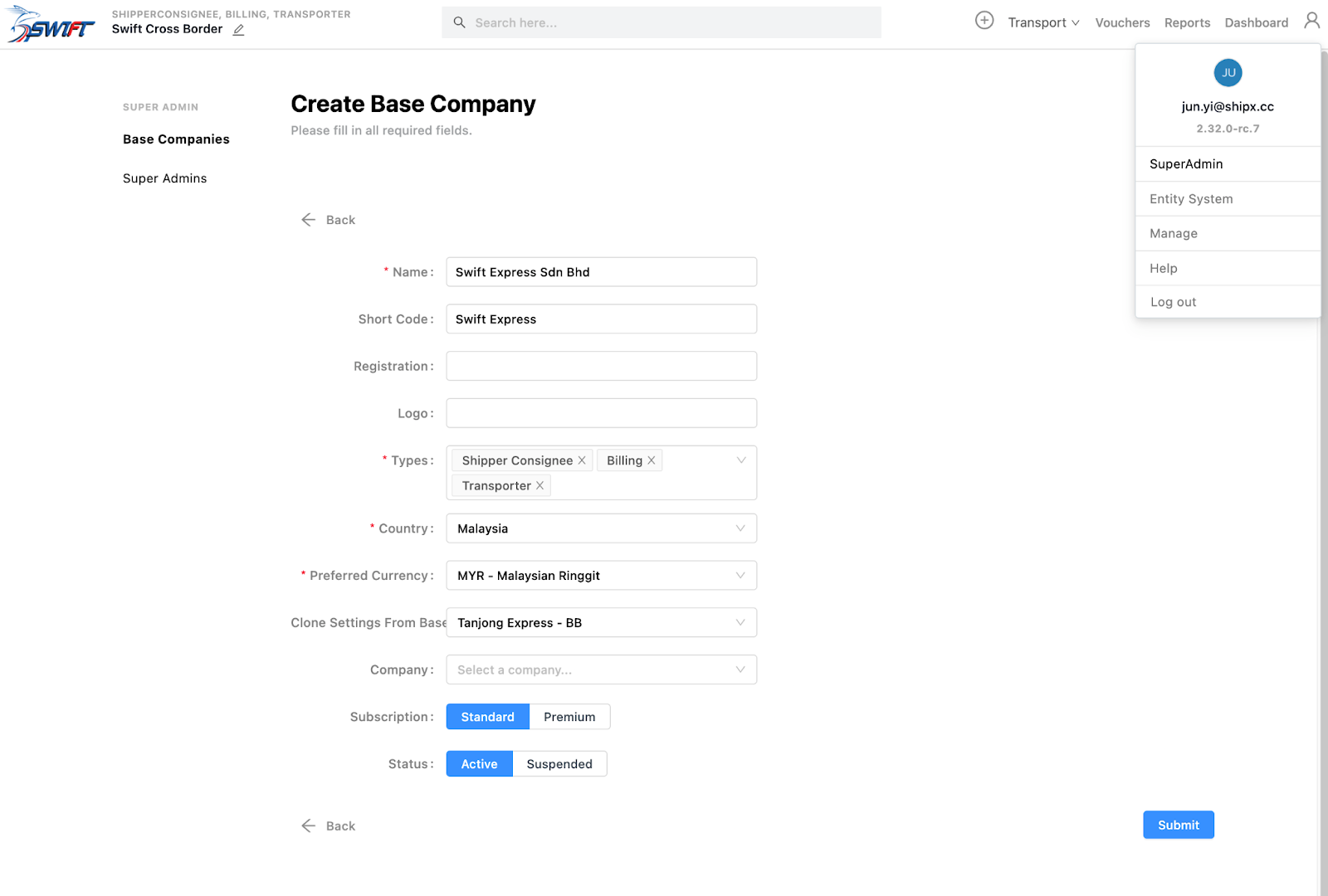
Create Base Company
Access the create base company page via Profile > SuperAdmin
Only SuperAmin’s can do this.
The Super Admin that created it will be automatically linked to the base company with all ADMIN settings.
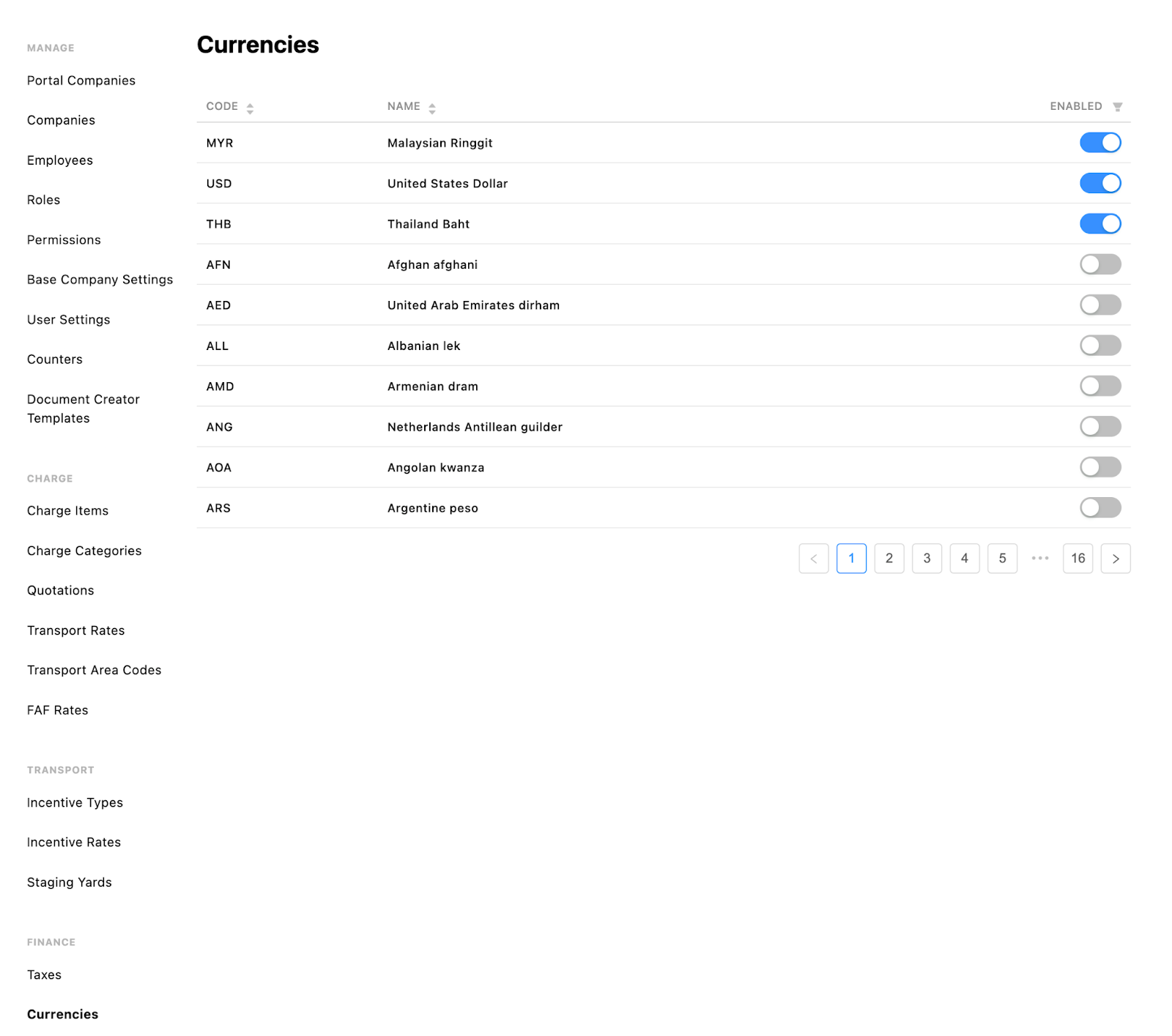
Currencies
Enable currencies
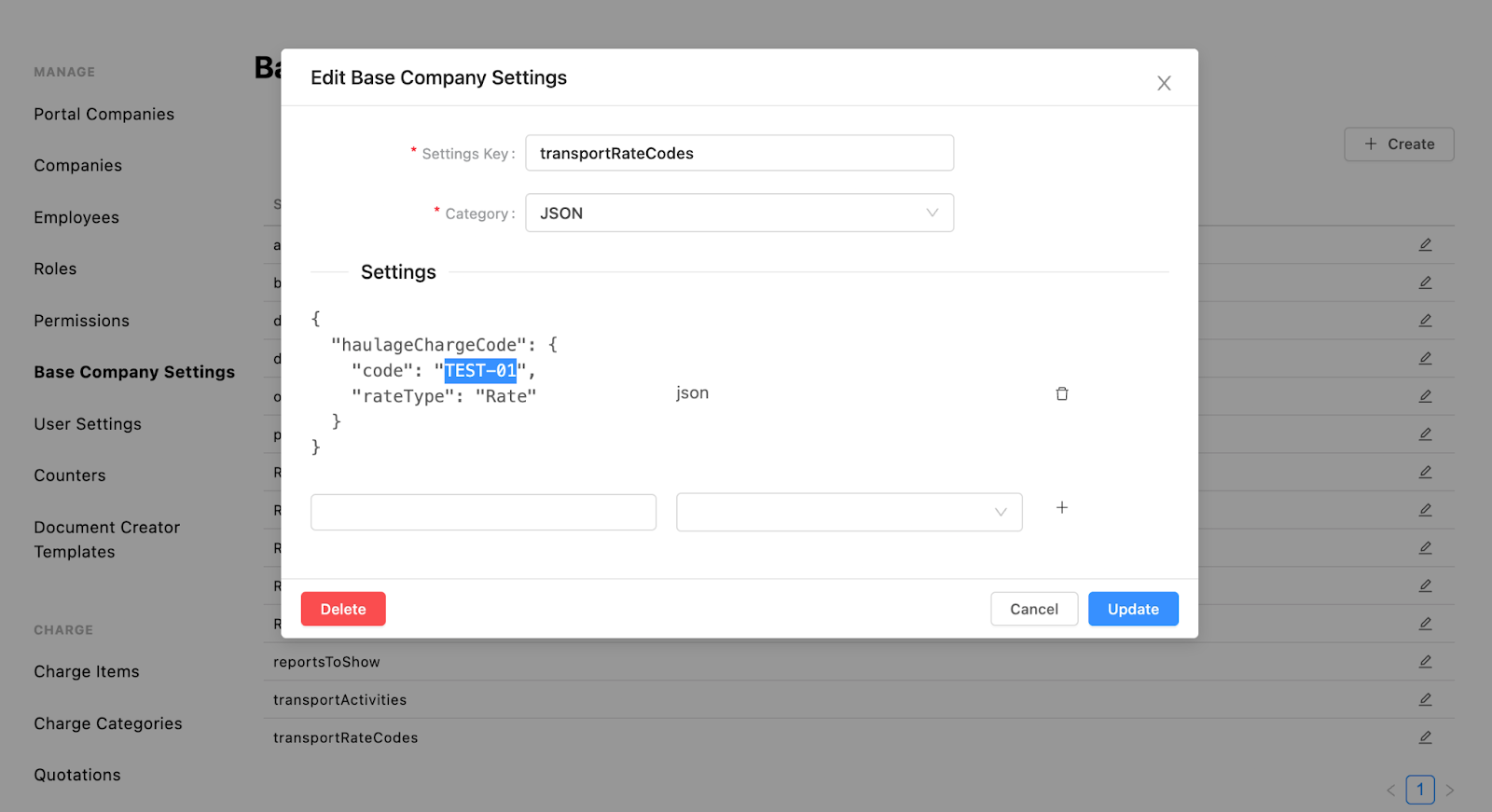
Base Company Settings
Go through settings
E.g. create a default charge item based on transportRateCodes
Create Default Charge Item
Create Billing Units
Create Taxes
Create GL Codes
Now, you can create a default charge item with the same code as in the Base Company Setting

Import Transport Area Codes
Export from an existing base company
Import into new base company

Create/Import Companies
Billing-Type must have debtor code and debtor term
Companies should have an address

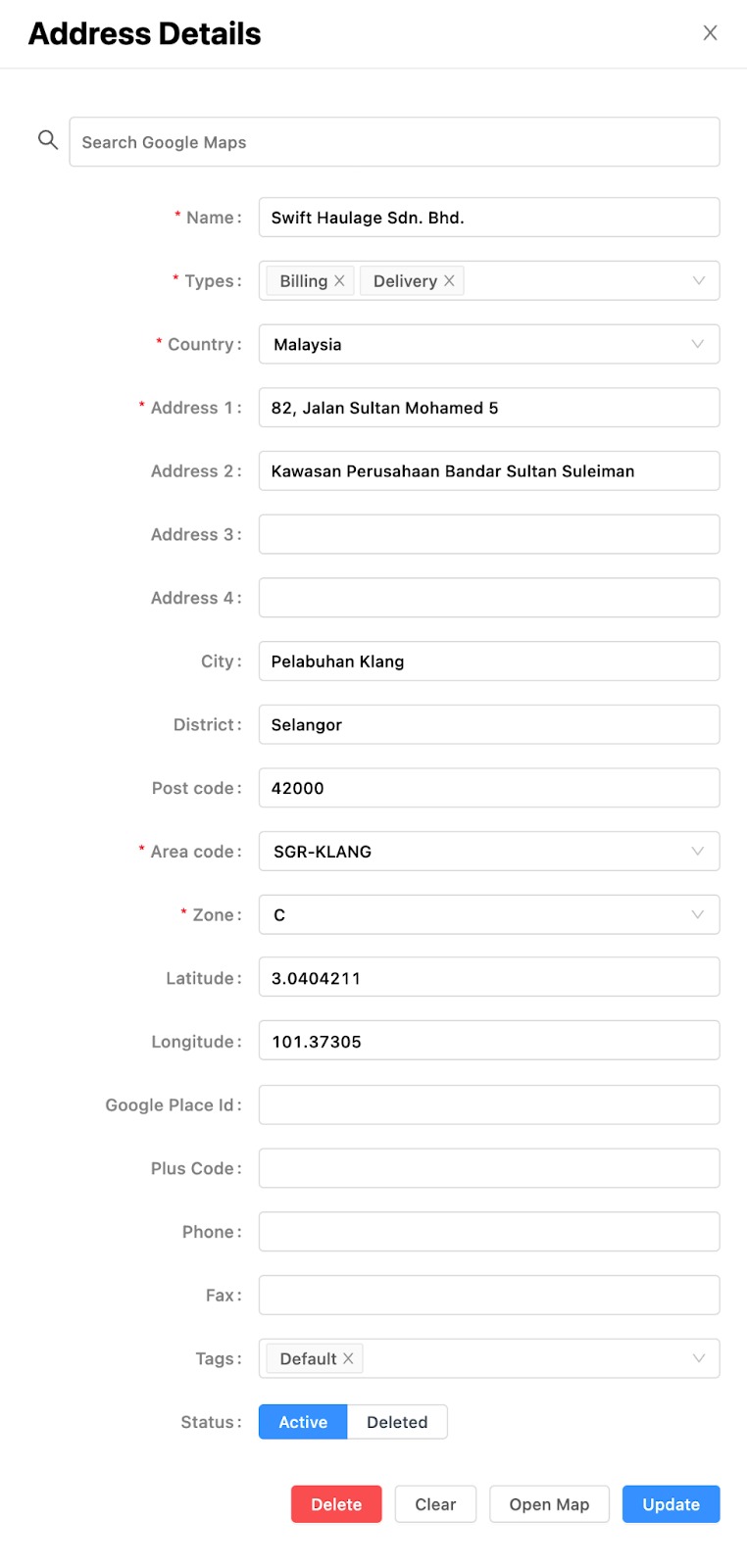
Base Company Address
Make sure the base company has an address
Types: Must have Delivery
Tags: Default
Otherwise, the transport-planner service will throw an error
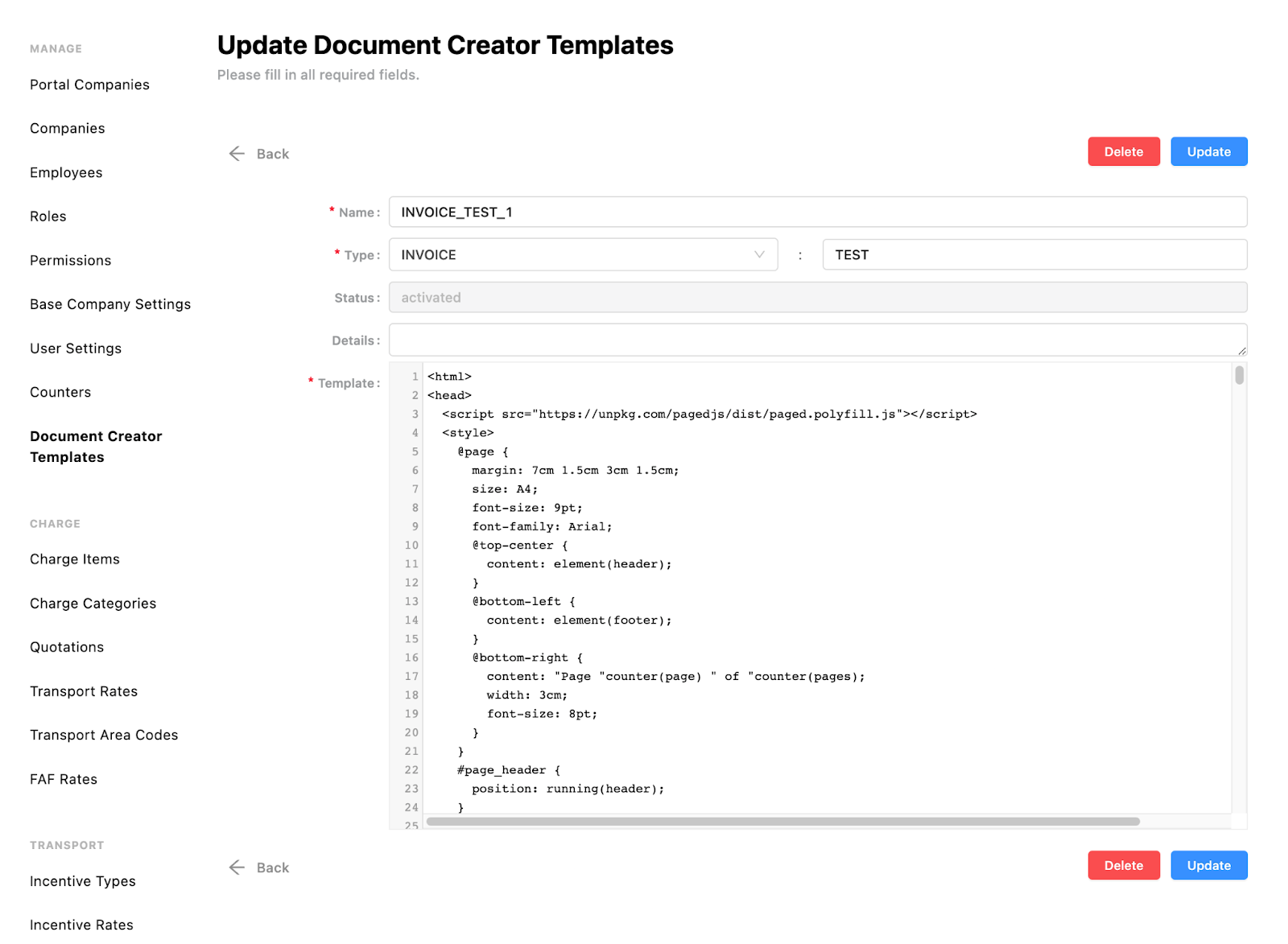
Document Creator Templates
E.g. create 1 for invoice
When creating an invoice, the user needs to select a template for printing the PDF
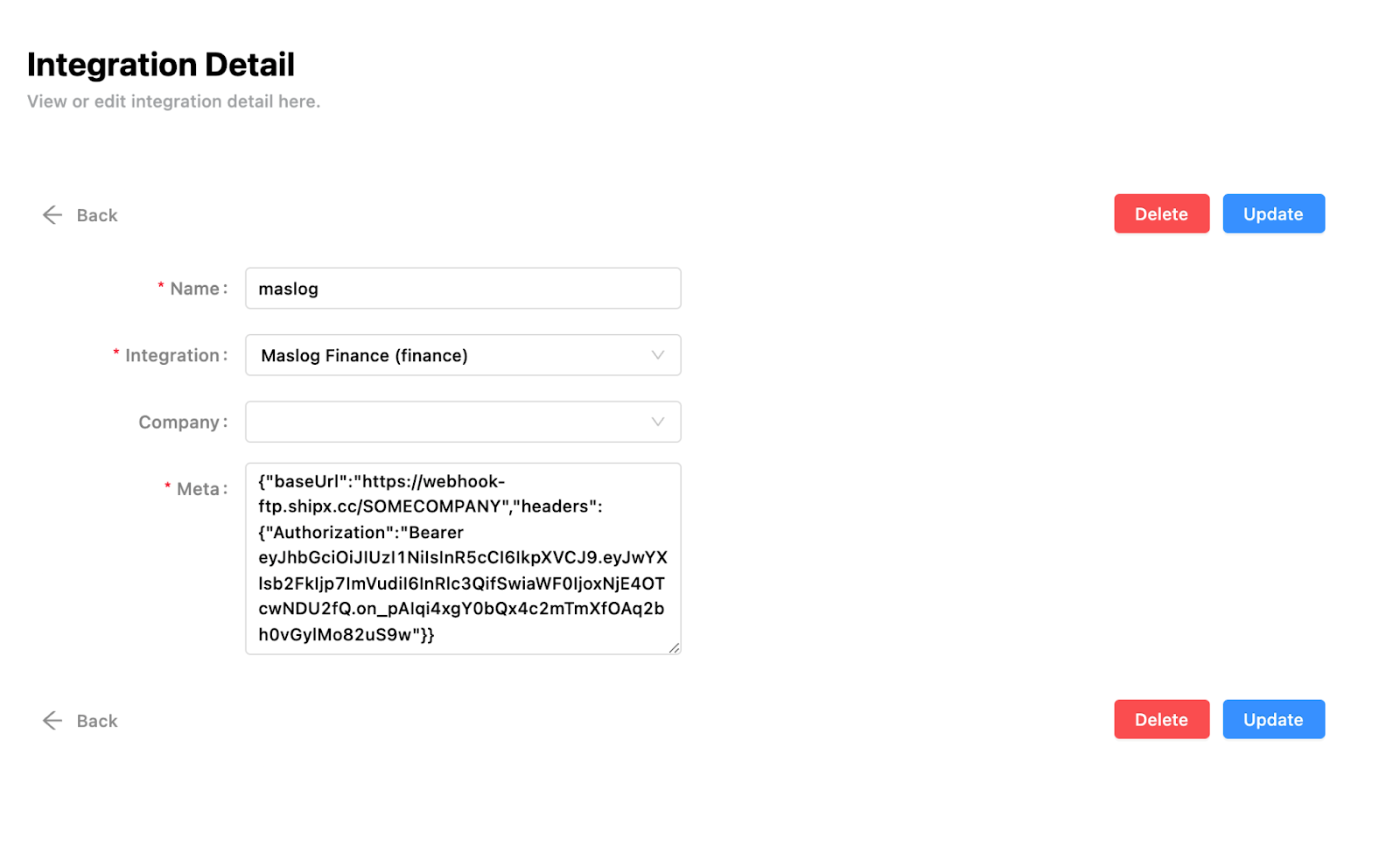
Integration Detail
Manage > Integrate > Details
When approving an invoice, an integration detail is needed
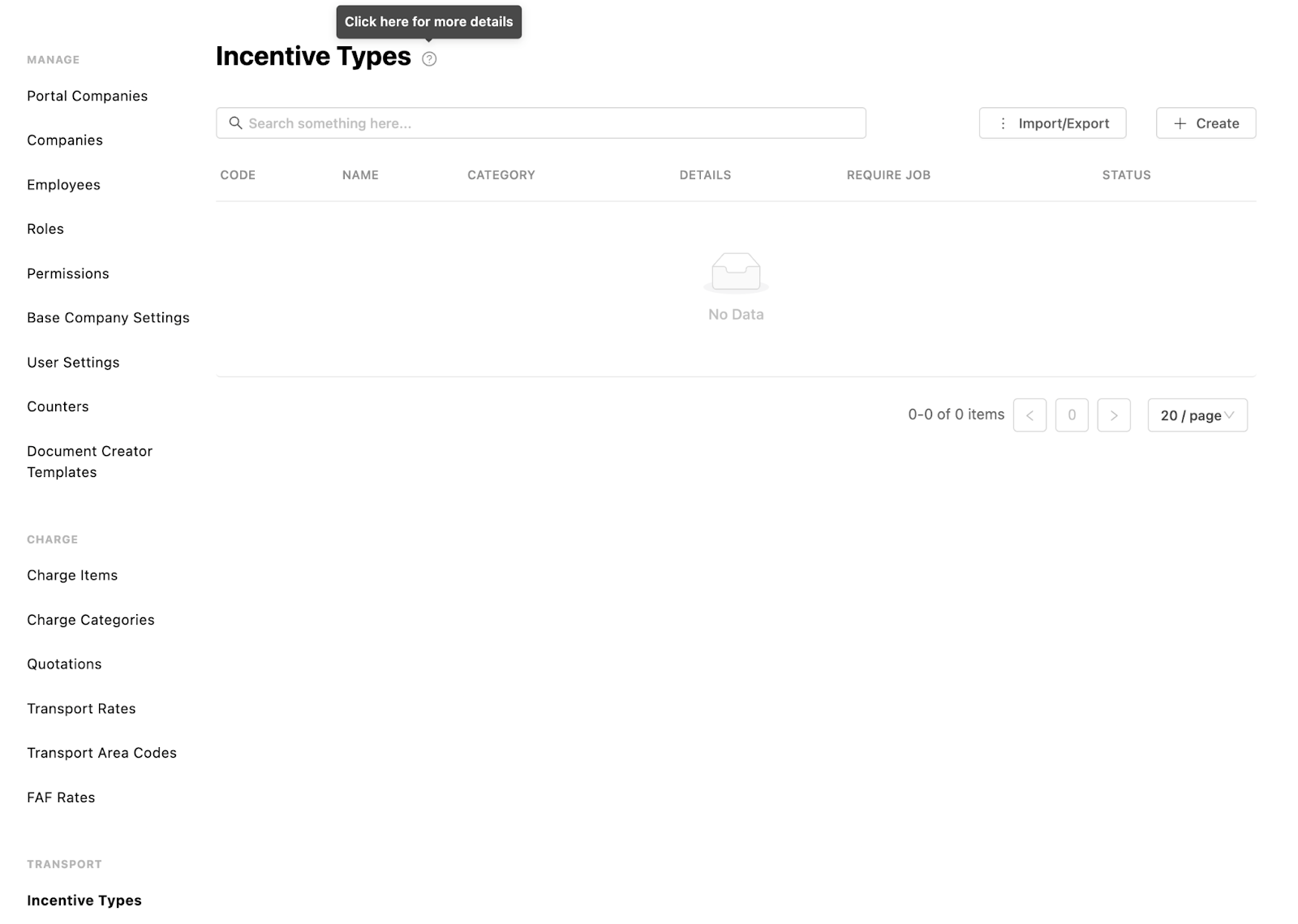
Incentive Types
Create incentive types
When creating an incentive for a driver, the user needs to select an incentive type
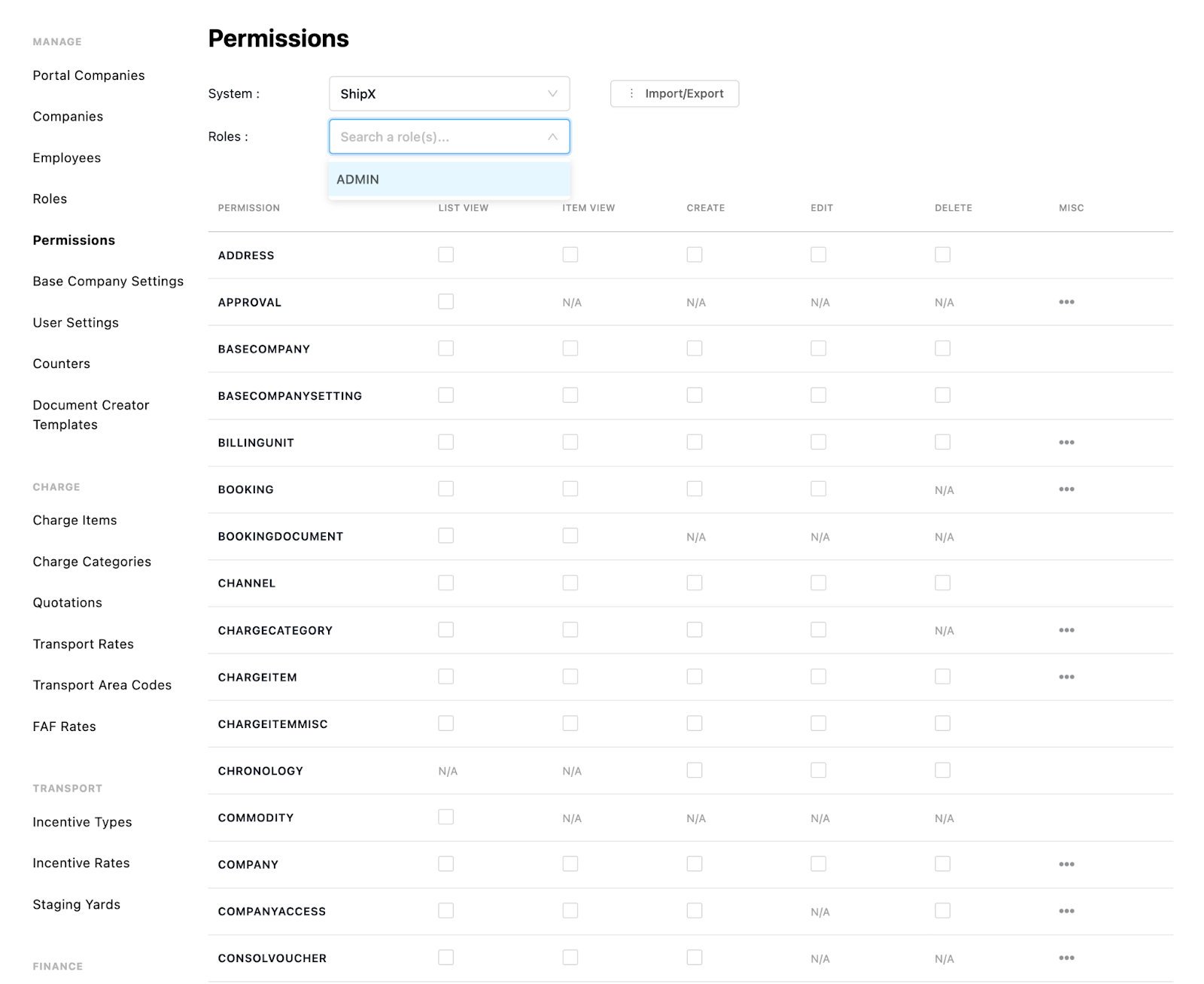
Roles and Permissions
Create roles
Create permissions
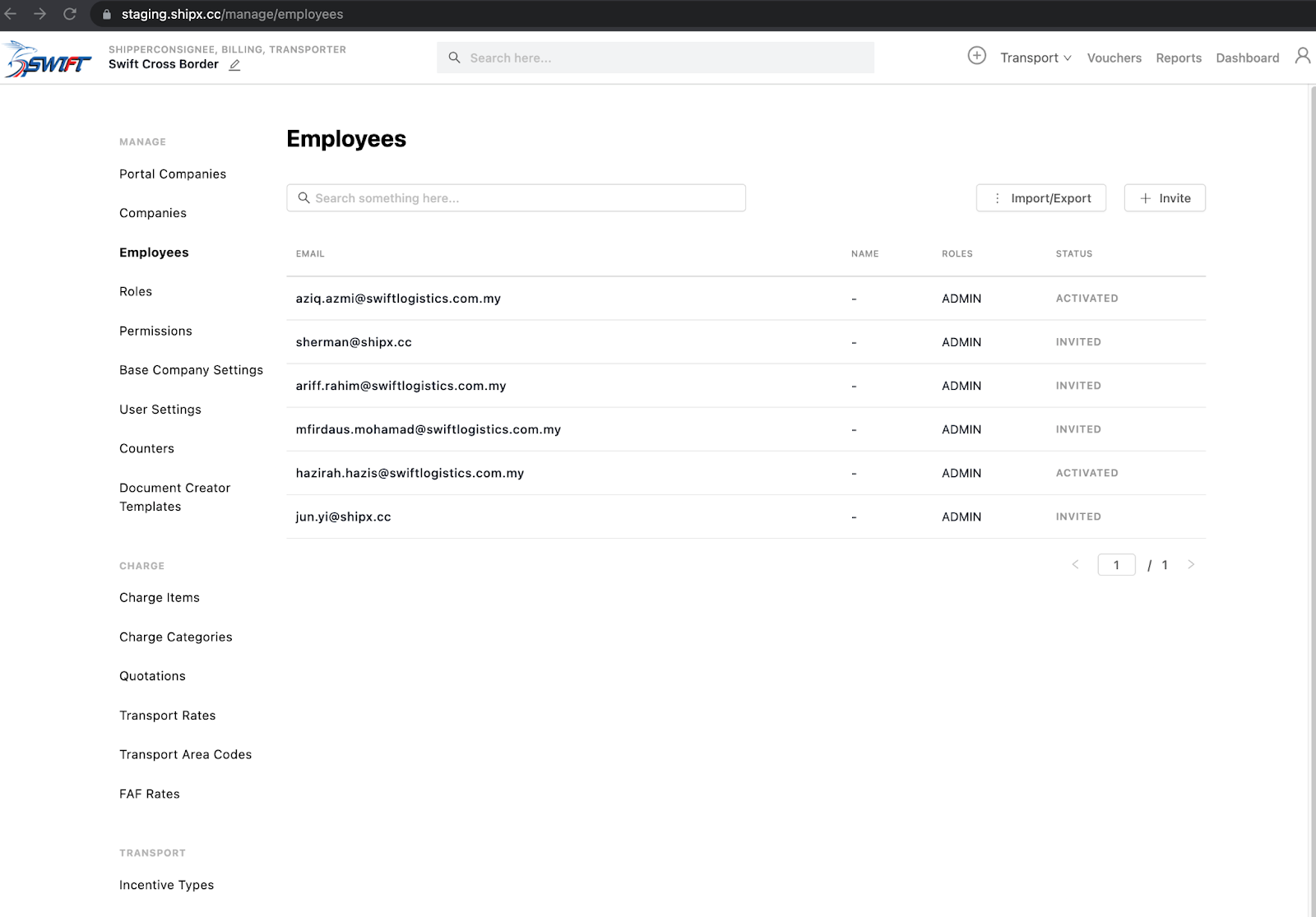
Invite Employees
Invite manually or import
Import Drivers, Vehicles, Trailers
Create manually or import